
Json Visualizer
json visualizer
134 views
JSON Visualizer
JSON dosyalarını doğrudan VS Code içinde etkileşimli düğüm grafikleri olarak görselleştirin.
JSON Visualizer; iç içe geçmiş payload’ları daha hızlı incelemenize, kaçış karakterleriyle yazılmış JSON string’lerini önizleme içinde yerinde açmanıza ve gerektiğinde sonucu paylaşmak ya da bir yapıyı dokümante etmek için dışa aktarmanıza yardımcı olur.
Özellikler
Herhangi bir .json dosyası için editör başlık çubuğundan grafik görünümü açın.
İç içe geçmiş nesneleri ve dizileri yakınlaştırılabilir, kaydırılabilir bir düzende keşfedin.
Kaçış karakterleriyle yazılmış JSON string’lerini önizlemeden ayrılmadan parse edin.
Düğüm bağlam menüsünden düğümleri gizleyin, geri gösterin, daraltın ve genişletin.
Mevcut grafiği PNG olarak dışa aktarın.
Mevcut yapıyı YAML olarak dışa aktarın.
Hızlı Başlangıç
JSON Visualizer’ı VS Code Marketplace üzerinden kurun.
VS Code’da herhangi bir .json dosyası açın.
Editör başlık çubuğundaki Preview JSON düğmesine tıklayın.
Grafiği keşfedin; yakınlaştırma, ekrana sığdırma veya dışa aktarma kontrollerini kullanın.
Önizlemeyi Komut Paleti üzerinden Preview JSON komutuyla da açabilirsiniz.
Ekran Görüntüleri
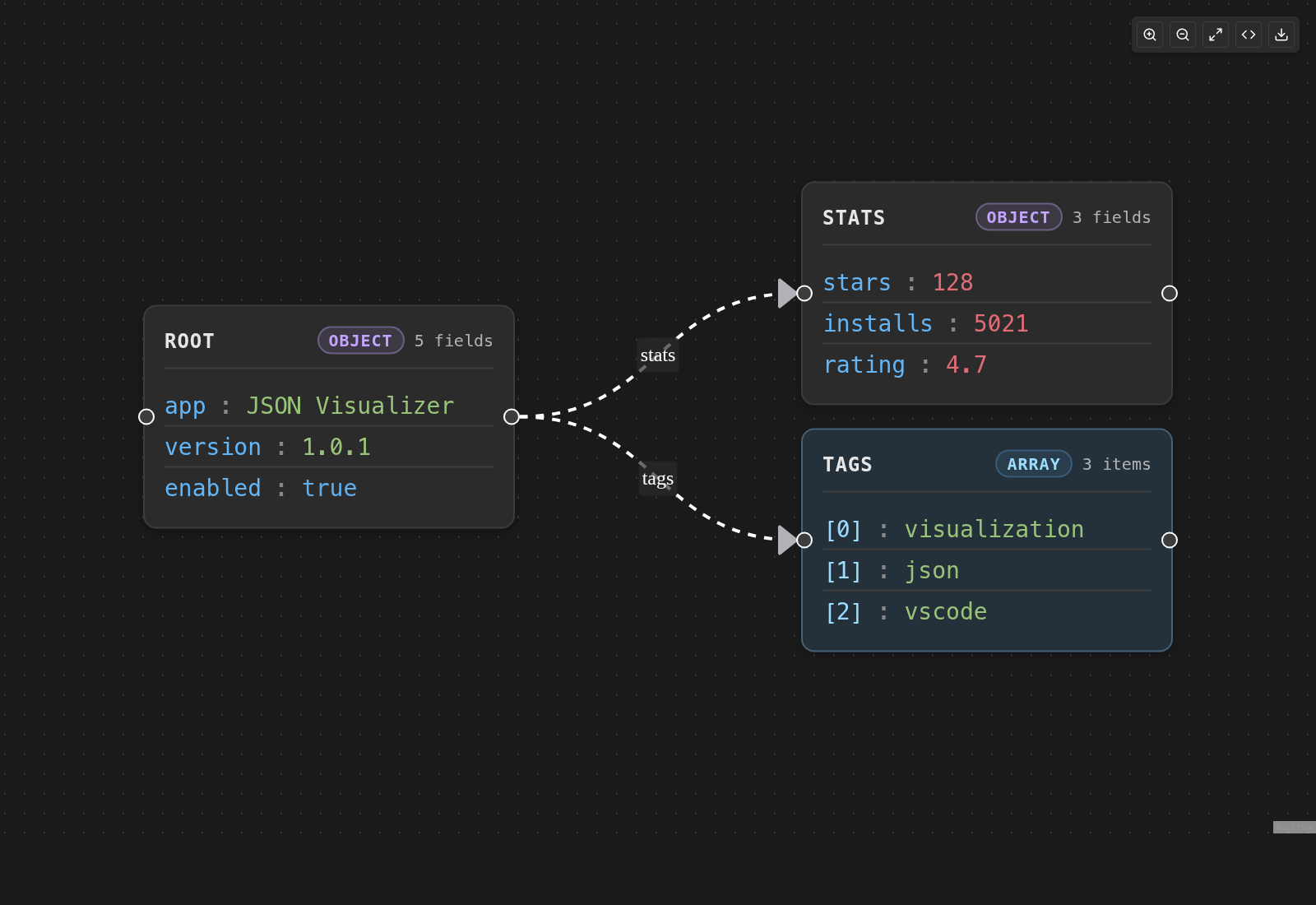
Temel nesne görselleştirmesi:
Temel nesne grafiği
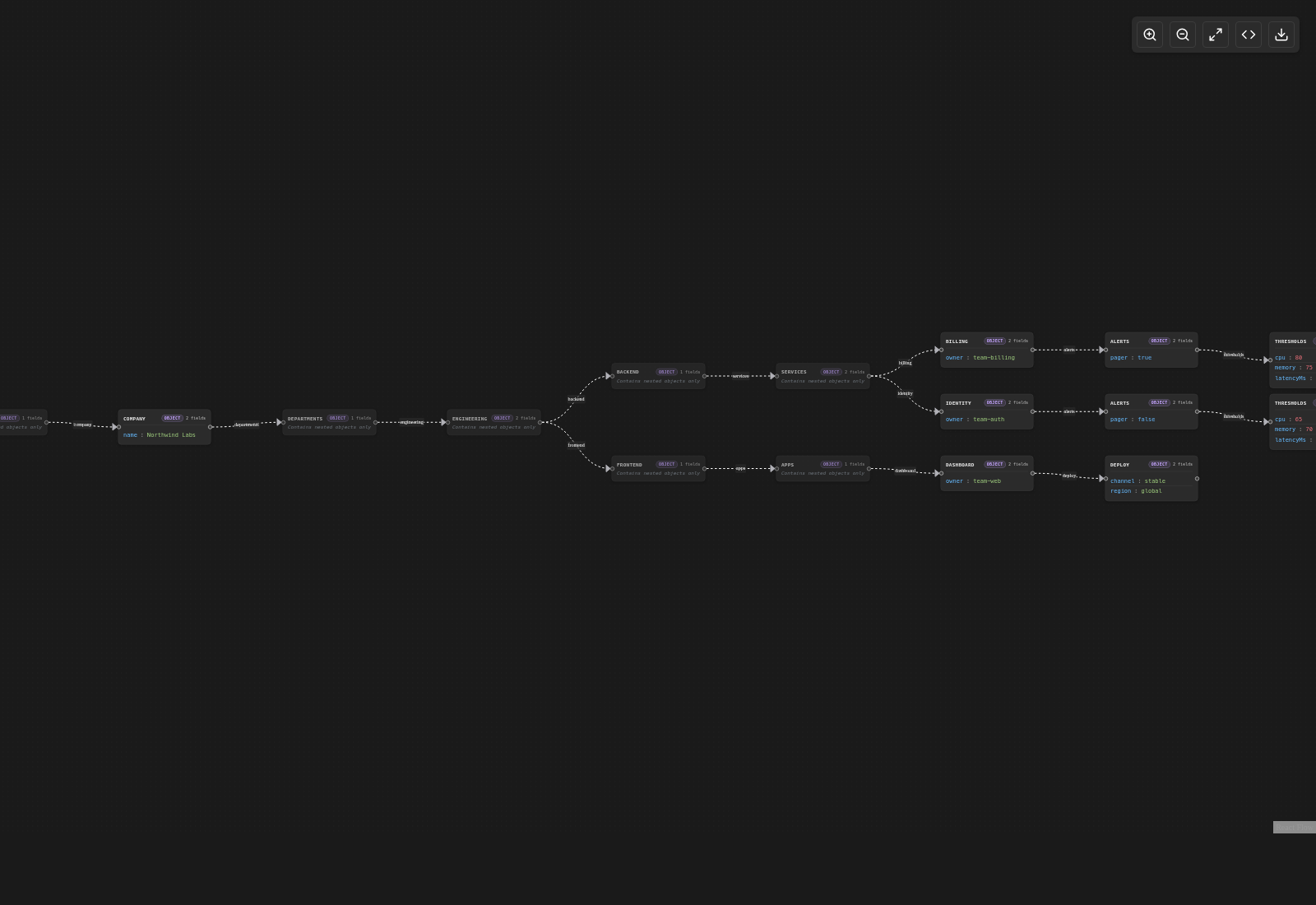
Derin iç içe veri:
Derin ağaç grafiği
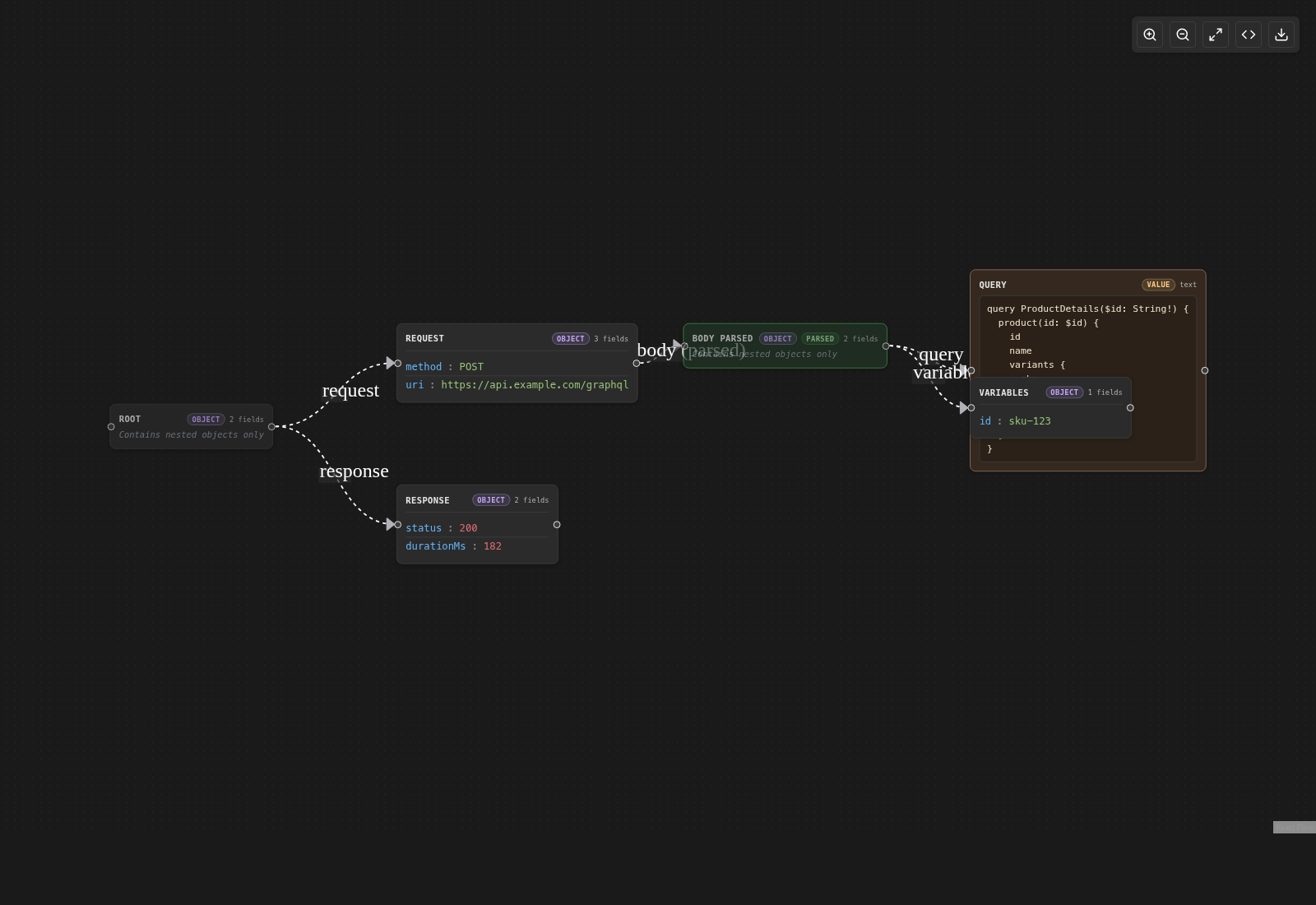
Önizleme içinde parse edilmiş kaçış karakterli JSON:
GraphQL istek grafiği
Tipik İş Akışı
Bir JSON belgesi açın.
Preview JSON’ı başlatın.
Kaydırma ve yakınlaştırma kontrolleriyle grafikte gezinin.
Görünümü sadeleştirmek için düğümlere sağ tıklayın.
İç içe JSON içeren string değerleri genişletin.
Son sonucu PNG veya YAML olarak dışa aktarın.
Gereksinimler
VS Code 1.96.0 veya daha yeni bir sürüm.
Komutlar
Preview JSON: Aktif JSON dosyası için görsel önizlemeyi açar.
Gizlilik
JSON Visualizer, JSON verilerinizi hiçbir yere göndermez. Görselleştirme, parse etme ve dışa aktarma işlemleri VS Code içinde yerel olarak yapılır.
Destek
Sorun bildir: GitHub Issues
Özellik iste: New feature request
Geliştirme
Geliştirme notları, yerel kurulum ve test komutları docs/development.md dosyasında yer alır.
Lisans
MIT
📄 READMEAuto-fetched from GitHub
JSON Visualizer
Visualize JSON files as interactive node graphs directly inside VS Code.
JSON Visualizer helps you inspect nested payloads faster, expand escaped JSON strings in place, and export the result when you need to share or document a structure.
Features
- Open a graph view for any
.jsonfile from the editor title bar - Explore nested objects and arrays with a zoomable, pannable layout
- Parse escaped JSON strings without leaving the preview
- Hide, unhide, collapse, and expand nodes from the node context menu
- Export the current graph as
PNG - Export the current structure as
YAML
Quick Start
- Install
JSON Visualizerfrom the VS Code Marketplace. - Open any
.jsonfile in VS Code. - Click
Preview JSONin the editor title bar. - Explore the graph and use the controls to zoom, fit, or export.
You can also open the preview from the Command Palette with Preview JSON.
Screenshots
Basic object visualization:
Deep nested data:
Escaped JSON parsed inside the preview:
Typical Workflow
- Open a JSON document.
- Launch
Preview JSON. - Move around the graph with pan and zoom controls.
- Right-click nodes to simplify the view.
- Expand string values that contain nested JSON.
- Export the final result as
PNGorYAML.
Requirements
- VS Code
1.96.0or newer
Commands
Preview JSON: Open the visual preview for the active JSON file
Privacy
JSON Visualizer does not send your JSON anywhere. Rendering, parsing, and exports stay local in VS Code.
Support
- Report an issue: GitHub Issues
- Request a feature: New feature request
Development
Development notes, local setup, and test commands live in docs/development.md.
License
Comments (0)
Sign in to comment.
Be the first to comment.