OpenCode
Open-source AI coding agent for the terminal, IDE, and desktop
108 views
🔓 Open source
Free
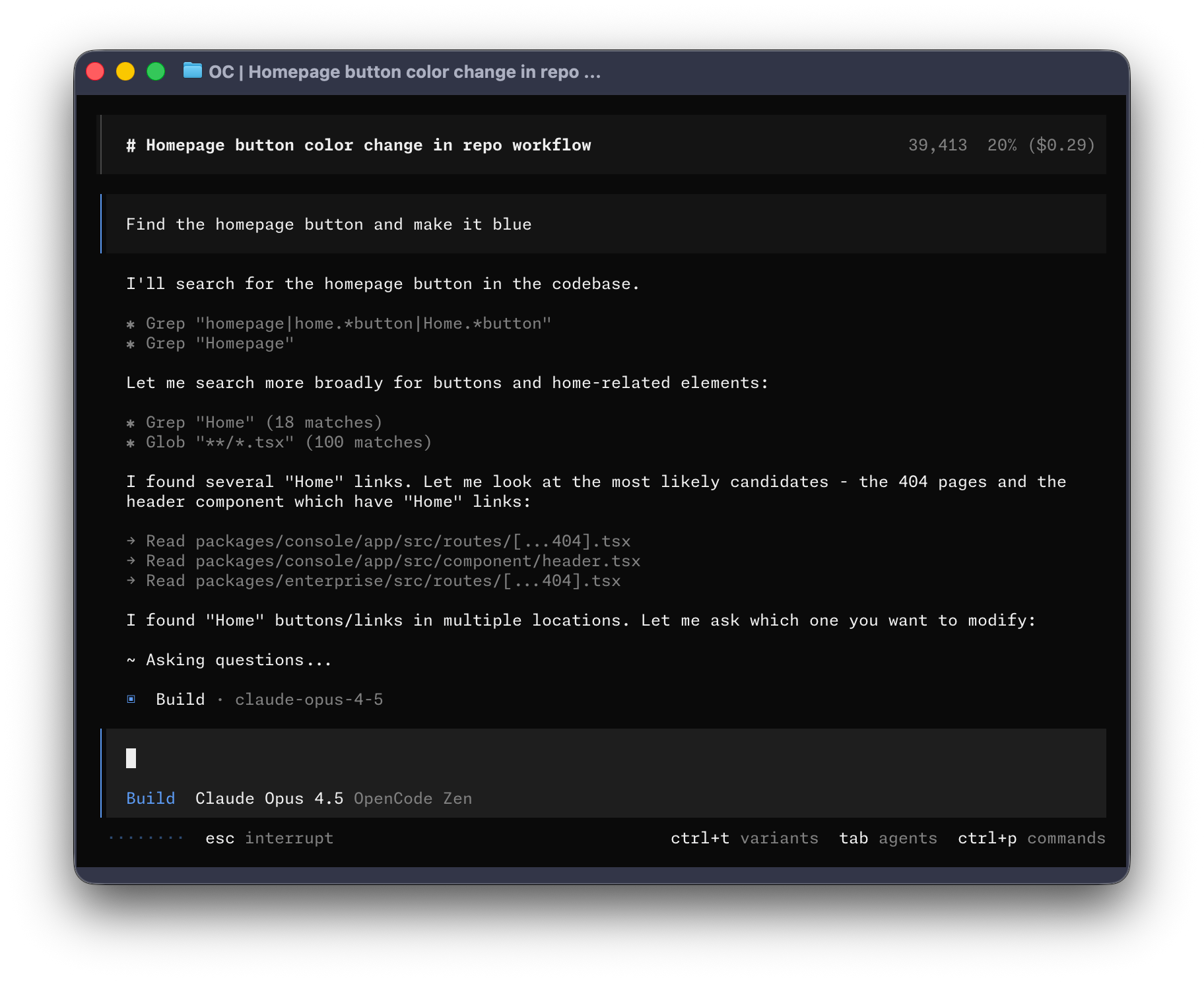
OpenCode is an open-source AI coding agent designed for developers who want to use AI directly inside their terminal, IDE, or desktop workflow.
It helps developers understand codebases, plan changes, write code, run tasks, and work with multiple AI models without being locked into a single provider. OpenCode can connect to popular model providers such as Claude, GPT, Gemini, and local models, making it flexible for different coding styles, budgets, and privacy requirements.
One of its strongest advantages is that it is terminal-native and developer-focused. It supports multi-session workflows, LSP-aware context, shareable sessions, and different working modes such as planning before making code changes. This makes it useful for developers who want more control over how an AI agent interacts with their projects.
Because OpenCode is open-source and MIT licensed, developers can inspect the code, contribute to the project, customize it, and use it as an alternative to closed AI coding tools. It is especially attractive for users who like tools such as Claude Code, Cursor, GitHub Copilot, or other agentic coding environments, but want a more transparent and provider-agnostic option.
Overall, OpenCode is a powerful open-source AI coding agent for developers who want speed, flexibility, model choice, and more control over their AI-assisted development workflow.
📄 READMEAuto-fetched from GitHub

The open source AI coding agent.



English | 简体中文 | 繁體中文 | 한국어 | Deutsch | Español | Français | Italiano | Dansk | 日本語 | Polski | Русский | Bosanski | العربية | Norsk | Português (Brasil) | ไทย | Türkçe | Українська | বাংলা | Ελληνικά | Tiếng Việt
Installation
# YOLO
curl -fsSL https://opencode.ai/v2/install | bash

# Package managers
npm i -g @opencode/cli@latest      # or bun/pnpm/yarn
brew install anomalyco/tap/opencode-v2 # macOS and Linux (recommended, always up to date)
brew install opencode              # macOS and Linux (official brew formula, updated less)
sudo pacman -S opencode            # Arch Linux (Stable)
paru -S opencode-beta              # Arch Linux (Latest from AUR)
mise use -g opencode               # Any OS
nix run github:anomalyco/opencode  # Nix
[!TIP] Remove versions older than 0.1.x before installing.
Desktop App (BETA)
OpenCode is also available as a desktop application. Download it from opencode.ai/download.
| Platform | Download |
|---|---|
| macOS (Apple Silicon) | opencode-desktop-mac-arm64.dmg |
| macOS (Intel) | opencode-desktop-mac-x64.dmg |
| Windows | opencode-desktop-win-x64.exe |
| Linux | .deb, .rpm, or .AppImage |
# macOS (Homebrew)
brew install --cask opencode-desktop
Installation Directory
The install script installs OpenCode to $HOME/.opencode/bin.
Agents
OpenCode includes two built-in agents you can switch between with the Tab key.
- build - Default, full-access agent for development work
- plan - Read-only agent for analysis and code exploration
- Denies file edits by default
- Asks permission before running bash commands
- Ideal for exploring unfamiliar codebases or planning changes
Also included is a general subagent for complex searches and multistep tasks.
This is used internally and can be invoked using @general in messages.
Learn more about agents.
Documentation
For more info on how to configure OpenCode, head over to our docs.
Contributing
If you're interested in contributing to OpenCode, please read our contributing docs before submitting a pull request.
Building on OpenCode
If you are working on a project that's related to OpenCode and is using "opencode" as part of its name, for example "opencode-dashboard" or "opencode-mobile", please add a note to your README to clarify that it is not built by the OpenCode team and is not affiliated with us in any way.