How to Download Instagram Videos & Reels
Save Instagram Reels, video posts, and IGTV content to your device. This guide covers copying the right link on mobile and desktop, plus the fastest way to download using omnifetch.co. No app installation required.
Ready to download? Go to the Video Downloader and paste your Instagram link. For audio only, use the MP3 Converter.
Step-by-Step: Download Instagram Videos
Step 1: Copy the Instagram Video URL
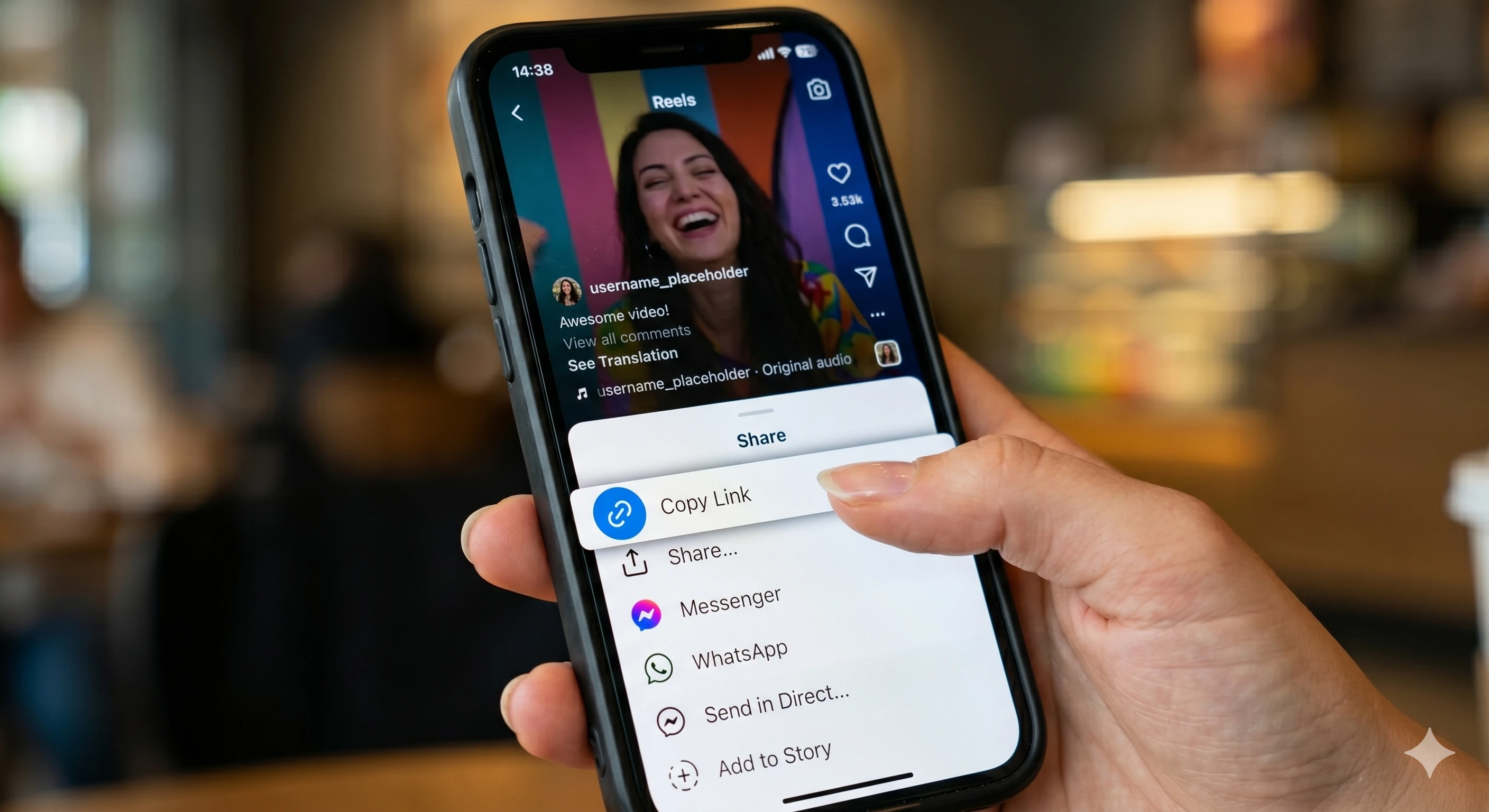
On the Instagram app (mobile): Open the Reel or video post. Tap the three-dot menu (...) or the Share icon, then select Copy link. This gives you a direct URL to that specific post.
On desktop (browser): Open the Reel or post in your browser and copy the URL from the address bar. Reels use paths like /reel/... and posts use /p/.... Both formats work.
Step 2: Paste the URL and Download
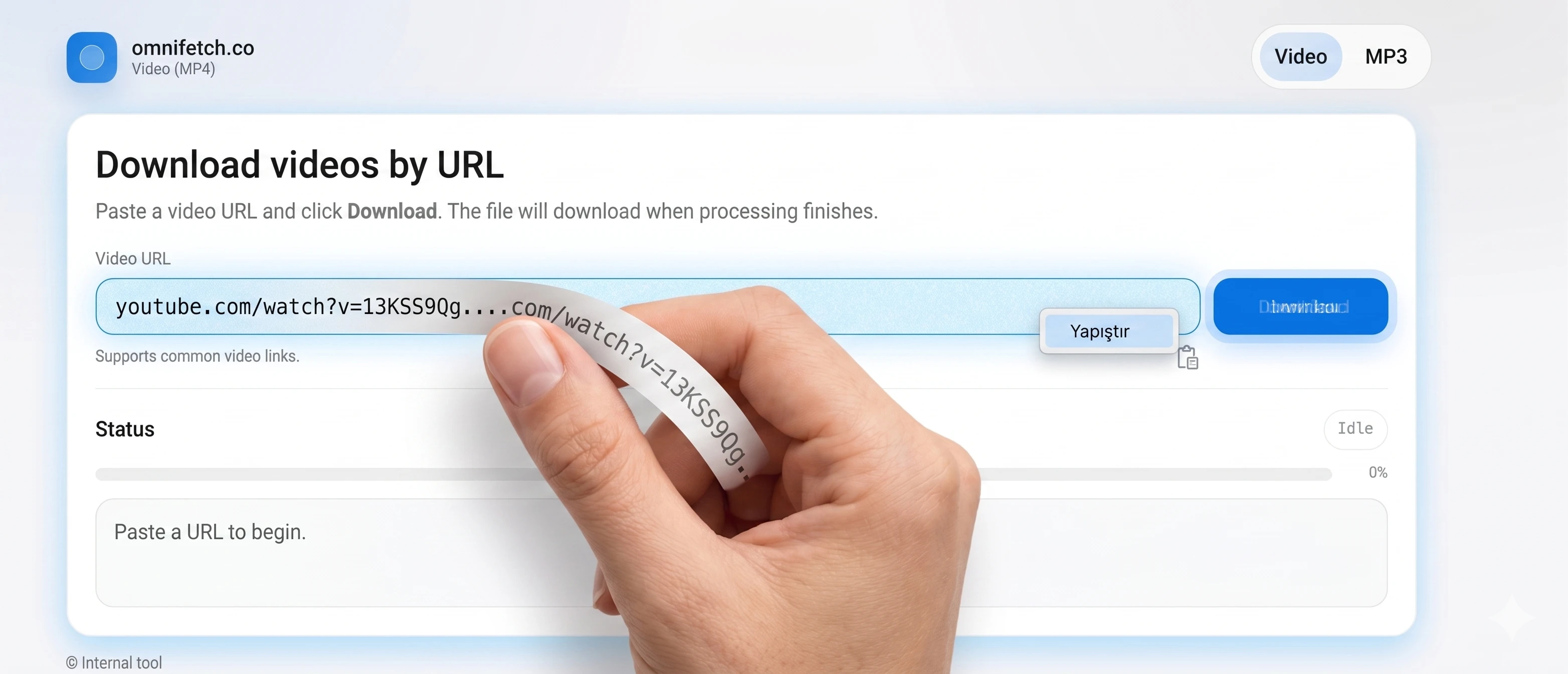
Visit the omnifetch.co Video Downloader, paste the Instagram URL into the input field, and click Download MP4. The video begins processing immediately.
Step 3: Save the Video
When processing completes, your browser automatically downloads the MP4 file. You'll find it in your Downloads folder, ready to play or edit.
Important Notes
- Only download what you own or have permission to use. Public visibility on Instagram doesn't mean you have rights to reuse the content.
- Private accounts won't work. If the post requires login or the account is private, automated tools cannot access the video.
- Stories may not be supported. Stories are ephemeral and often access-controlled, making them difficult to download.
- Copy the post link, not the profile link. Make sure you're copying the link to the specific video, not the user's profile page.
Need help copying the right URL? See: How to paste an Instagram link correctly.