How to install Instagram videos (what people really mean)
When someone says “install an Instagram video,” they usually mean “download a copy” so they can watch offline, archive a campaign asset, or move content into an editing workflow. To keep things safe and respectful, the recommended approach is to download your own videos (your account, your brand, your client) or videos you have clear permission to use.
Want to download now? Go to Video Downloader and paste your link. For audio-only, use MP3.
Download Instagram videos the right way
Start with permission. Instagram content can be public, but that doesn’t automatically mean it’s free to reuse. If the video is yours, part of your brand library, or delivered by a client with approval, downloading for backup and production is typically straightforward. If it’s not yours, only proceed when the creator has given explicit permission, you have a license that allows downloading and reuse, or you’re using it under a policy your organization can defend. This “ownership first” mindset helps avoid takedowns and compliance issues.
Next, identify what kind of Instagram video you have: a Reel, a feed post, a carousel with video, or a video shared via link. Reels and posts are usually the easiest to handle because they have stable URLs. Stories, on the other hand, are often ephemeral and access-controlled; if the content disappears or requires login, automated downloads can fail. Private accounts are similar: even if you can view the video in the app, the link may not be accessible to a server process without the same authentication.
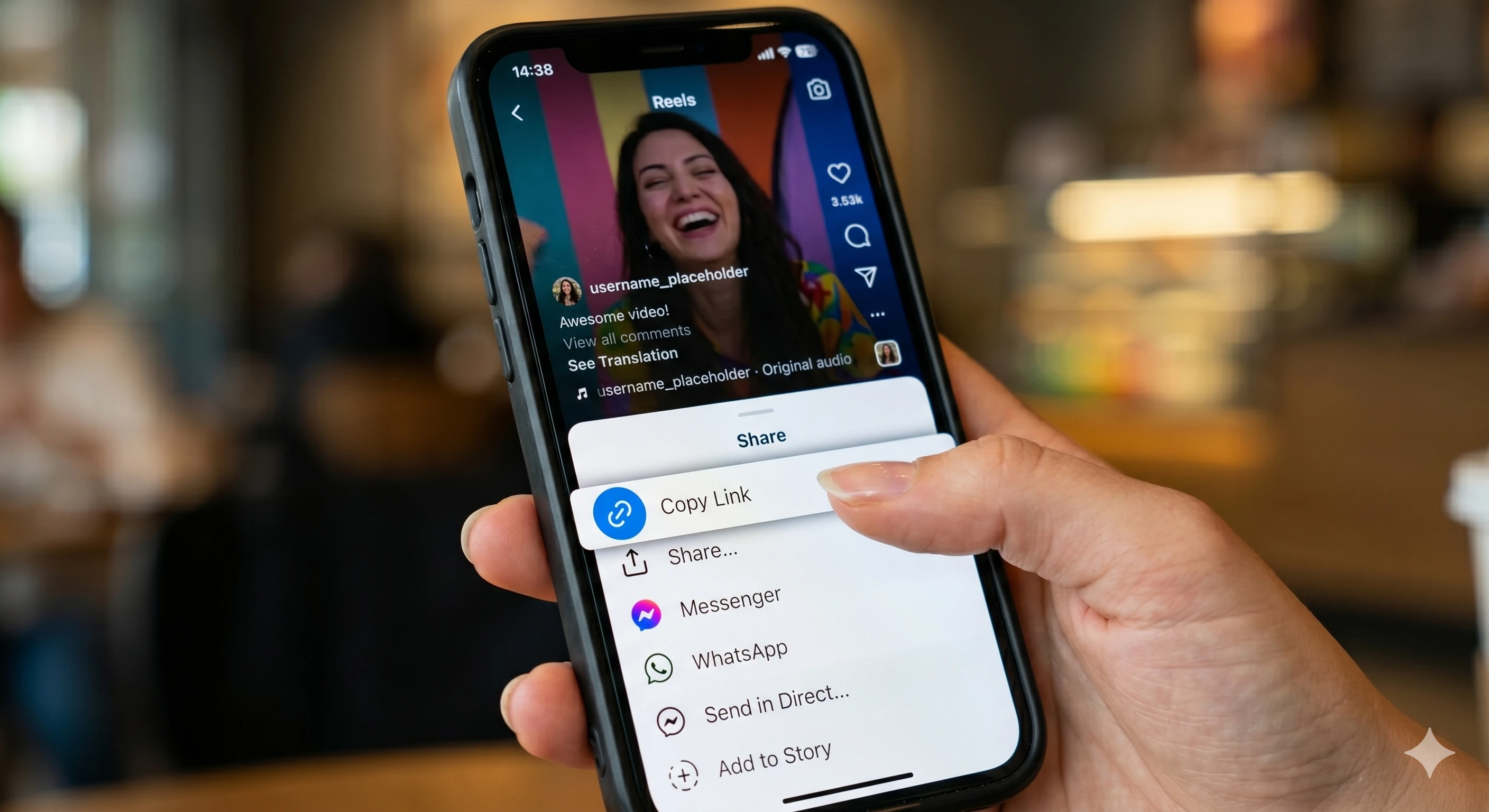
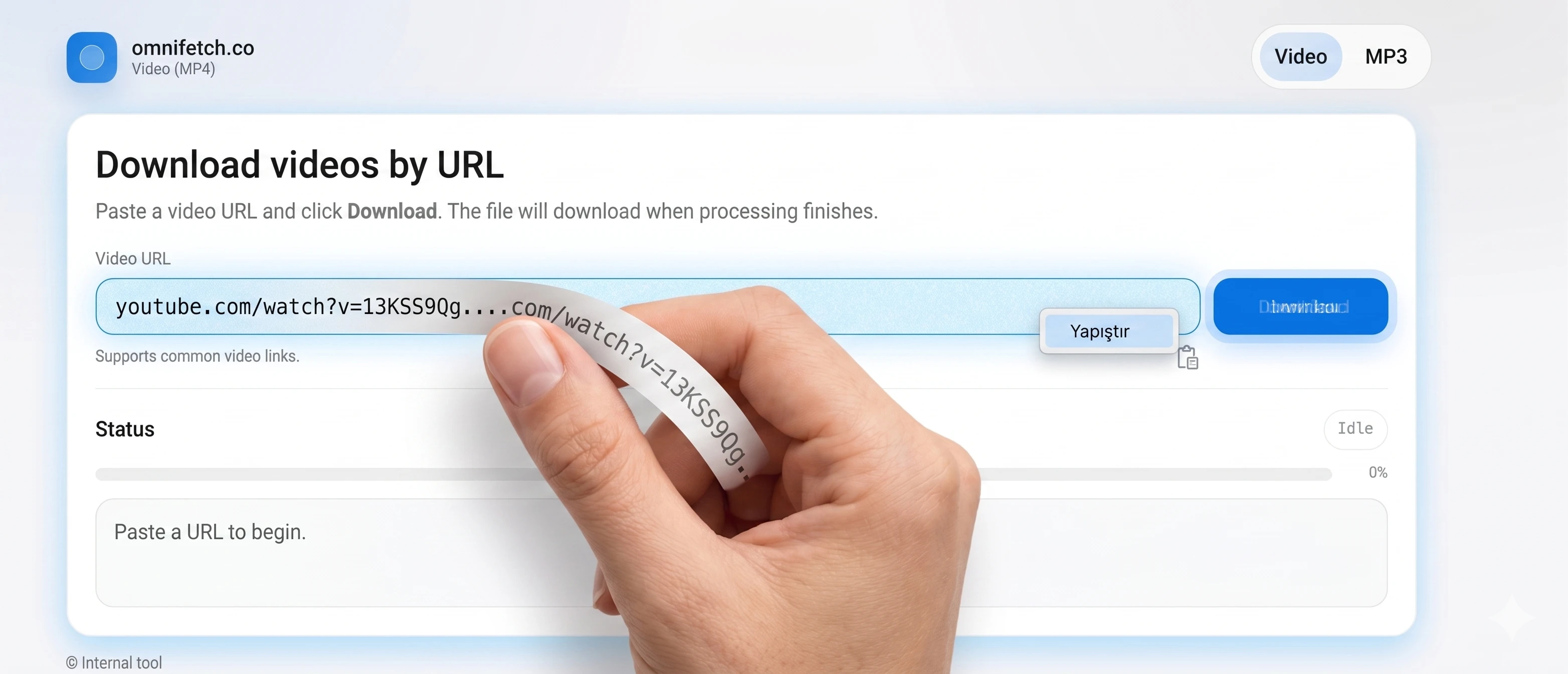
Once you have a working link, the workflow is simple: copy the video URL, open the omnifetch.co downloader, paste the link, and start processing. The page will show a status indicator while the job runs in the background. When processing completes, your browser downloads the file automatically. If you see an error, check the basics first: the URL opens in a normal browser, the video is still available, and you’re not dealing with a private or restricted post.
For teams, a little organization goes a long way. Save files with clear names (project, date, creator/handle, and version), and store the original URL next to the download for traceability. If you have multiple cut-downs, keep separate folders so you don’t overwrite assets. This makes it easier to prove permission and find sources later.
Need help copying a clean link? Use the companion page: how to paste an Instagram link correctly. It covers where the “Copy link” button lives on mobile and what to do if you accidentally copy a profile or share link instead of the video.