How to install YouTube videos (what people really mean)
Many people say “install a YouTube video,” but what they usually want is to download a copy for offline viewing or editing. To stay on the safe side, the best approach is to download your own uploads or videos you have explicit permission to use.
Tip: If you want to download now, go to Video Downloader and paste your link. For audio-only, use MP3.
Download YouTube videos the right way
Before anything else, decide whether you’re allowed to save a copy. If the video is yours (your channel, your brand, or your client’s content) you’re typically fine. If it isn’t yours, you should only download it when you have clear permission from the owner or a license that explicitly allows downloading and reuse. This matters because many creators protect their work, and platforms may restrict automated downloading for copyright, privacy, or safety reasons.
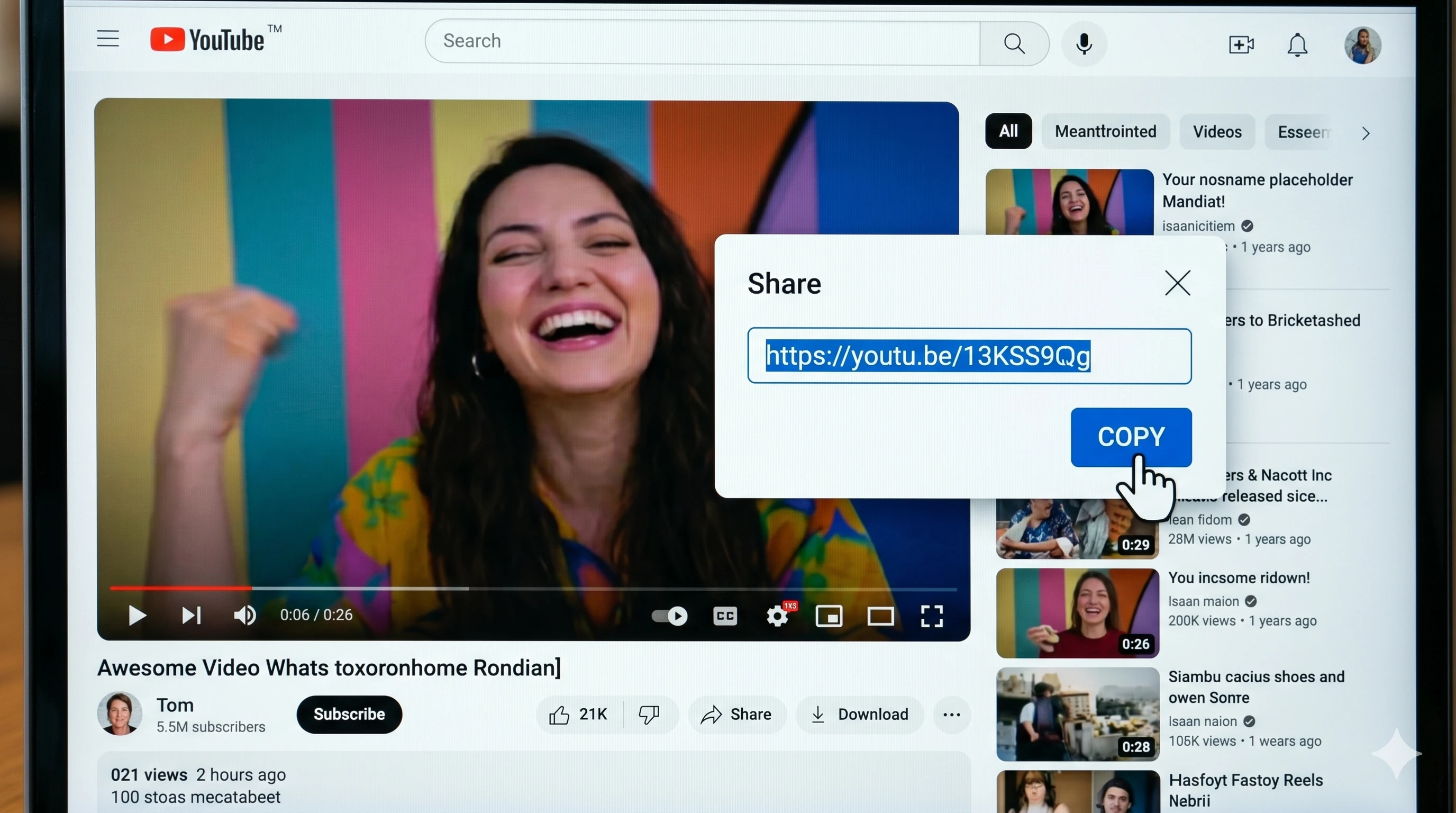
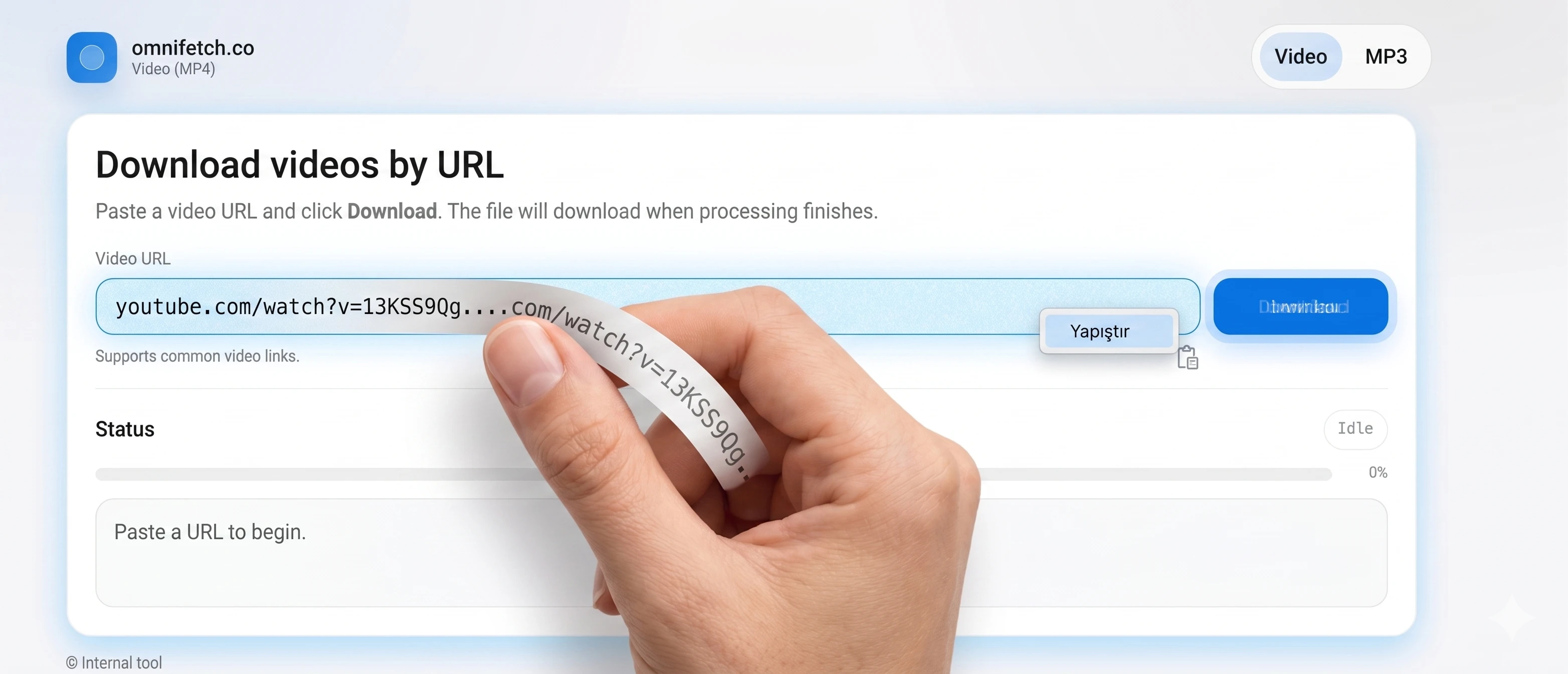
Once you’re sure you have permission, the workflow is simple: copy the exact video URL (for example,
https://www.youtube.com/watch?v=...), open the omnifetch.co downloader, paste the link, and start
processing. While the job runs, the page checks status in the background. When the video file is ready, your
browser downloads it automatically. If you see an error, it usually means the link is invalid, private, age
restricted, geo blocked, or temporarily unavailable.
Quality is another practical decision. If your goal is editing, you usually want the highest quality the source provides. If your goal is offline viewing, a smaller file may be enough. When possible, keep the original title and store the file in a clearly named folder (project name, date, and version). This makes it easy to track what you downloaded and why—especially important for teams working on multiple campaigns.
Want a faster, cleaner paste? Use the companion page: how to paste a YouTube link correctly. It explains how to copy the full URL from desktop, mobile, and share sheets, and it helps you avoid common mistakes like copying a playlist link when you only need a single video.